Quick start
This page assumes FreeSurfer and FSL are already installed and sourced in the
current session. If mri_convert or flirt is missing, start with
Prerequisites.
Construct FreeSurfer
With FREESURFER_HOME and SUBJECTS_DIR set:
from pyfsviz import FreeSurfer

fs = FreeSurfer()
print(fs.get_subjects())
Or pass the paths explicitly (binaries must still be on PATH):
fs = FreeSurfer(
    freesurfer_home="/path/to/freesurfer",
    subjects_dir="/path/to/your/subjects",
)
get_subjects() returns subject IDs under SUBJECTS_DIR that have
mri/transforms/talairach.lta. Empty list usually means the wrong subjects
directory or incomplete reconstructions.
Individual reports
Generate HTML QA reports for every discovered subject:
results = fs.gen_batch_reports("reports/", skip_existing=True)
Each subject is written to reports/<subject>/<subject>.html, with adjacent
PNG/SVG images.
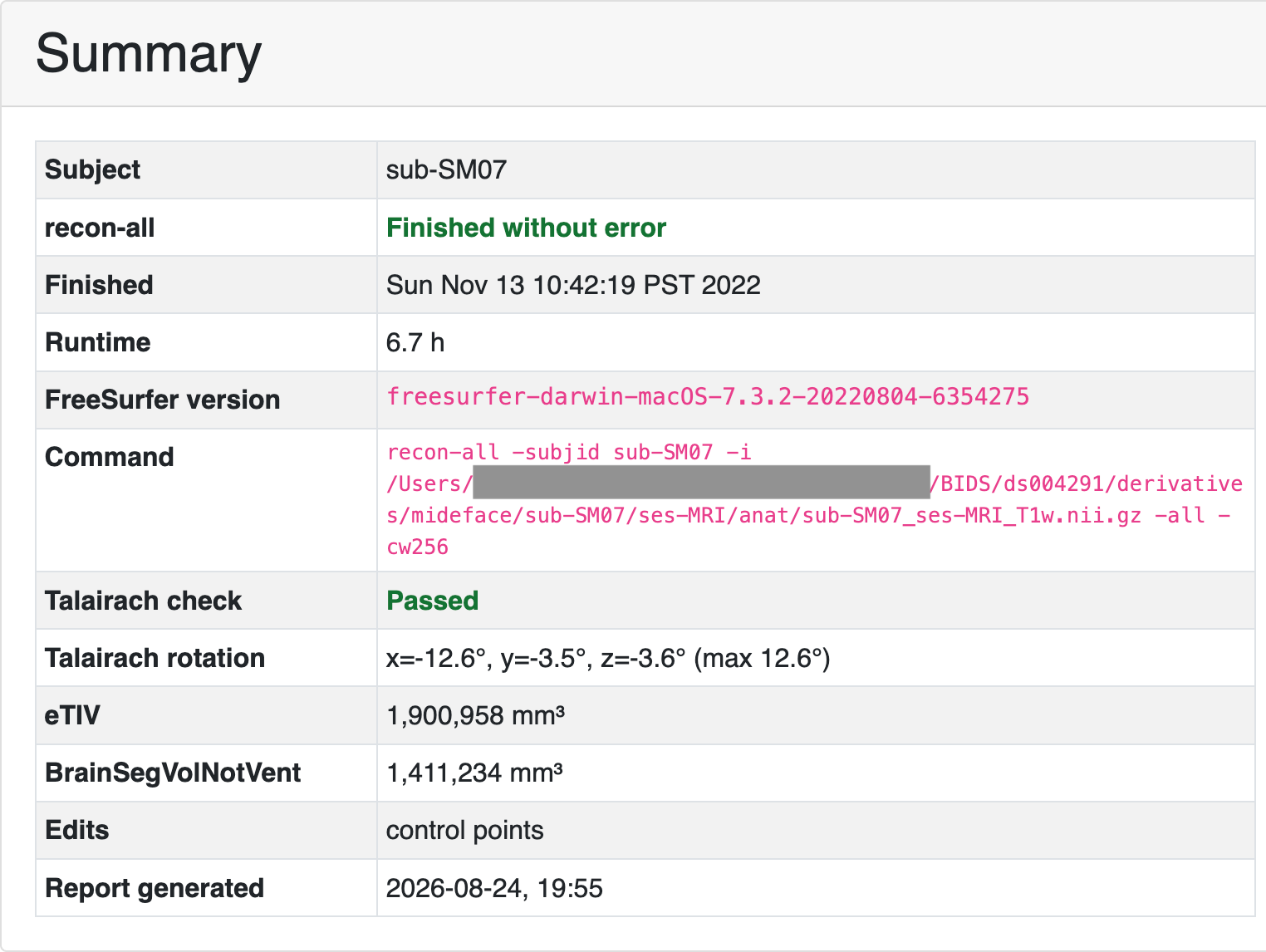
Example Summary card from OpenNeuro ds004731.
Regenerate reports with generate_reports.py.
See Individual reports for flags, output layout, and more example figures.
Group report
Summarize volumes and parcellation metrics across the cohort, flag outliers,
and write reports/group_report.html:
fs.gen_group_report("reports/")
To compare named groups (for example two subdirectories of SUBJECTS_DIR):
fs.gen_group_report("reports/", groups=["control", "patient"])
See Group reports for group definitions, thresholds, and CSV outputs.
Next
- Individual reports — screenshots, Talairach overlays, batch flags
- Group reports — outliers, between-group comparisons
- Troubleshooting — missing env vars and empty subject lists